


DMZ Tactical is a free Windows companion app for Call of Duty: Modern Warfare 4 DMZ. Find every key, location and grid square on the Hajin and X01 maps, see where each item drops, plan your raid and open it in game with F8. The map works offline and no account is needed.
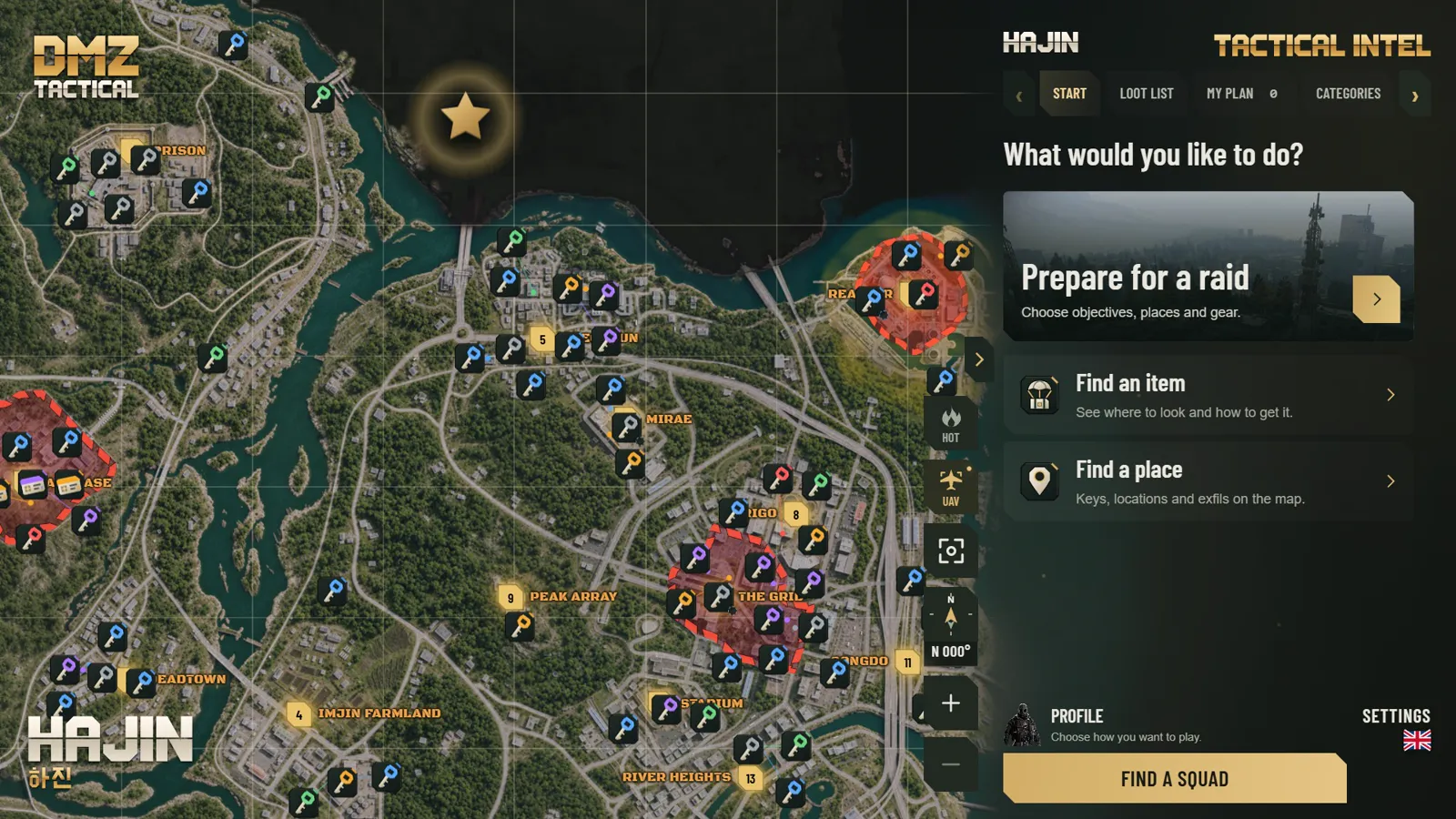
- Keys, locked doors and points of interest by rarity
- Locations, exfils, commanders and grid squares (for example B5 or F4)
- Hot Zones show where PvP fights are likely
- UAV mode gives an orbiting view of the map
- Works offline
- Search an item, a key or a location
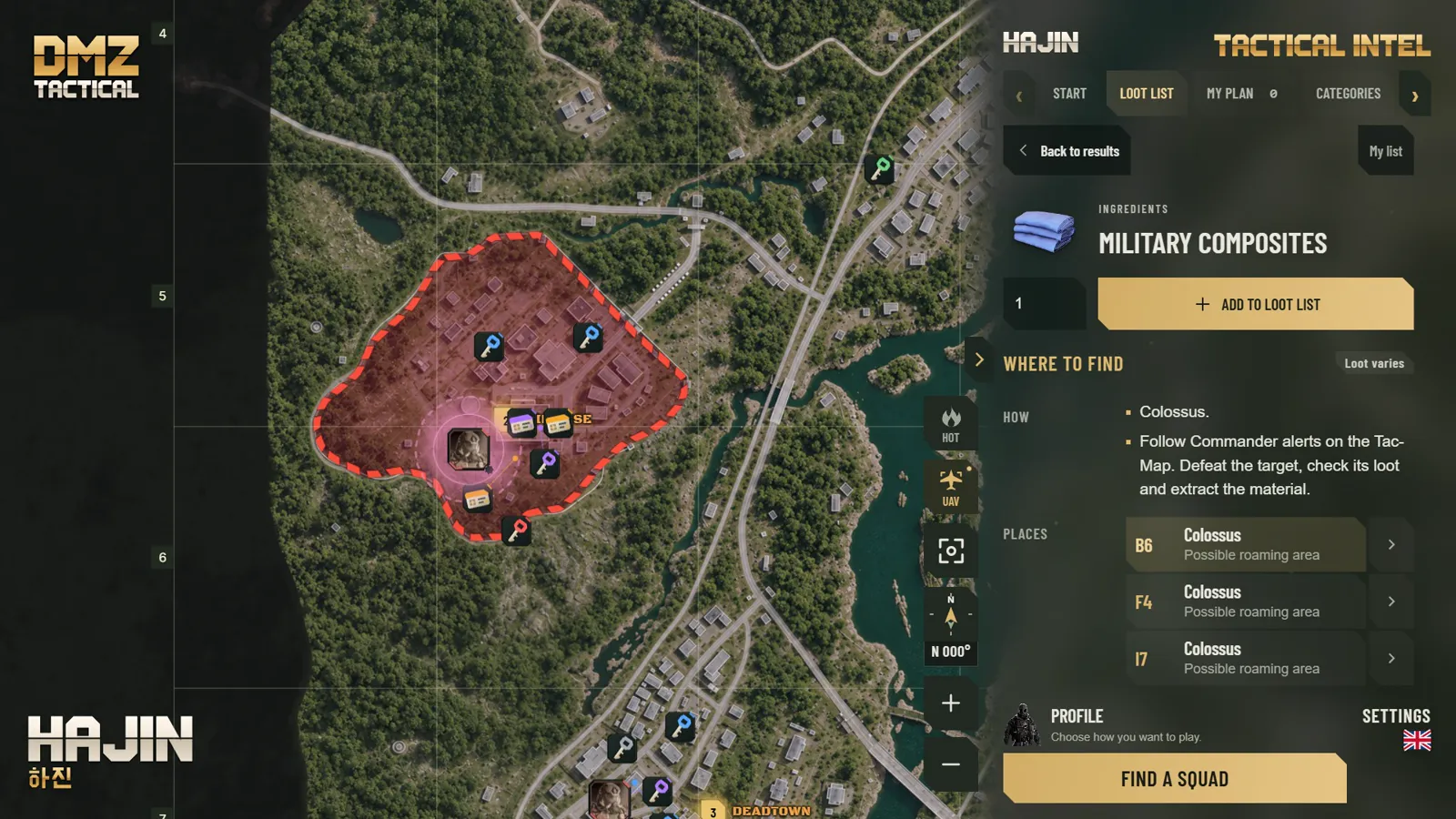
- Containers with drop rates, such as Tool Chest 1 in 52
- Add items to your loot list with the amount you need
- FOB upgrades and 3D printer crafts add their materials for you
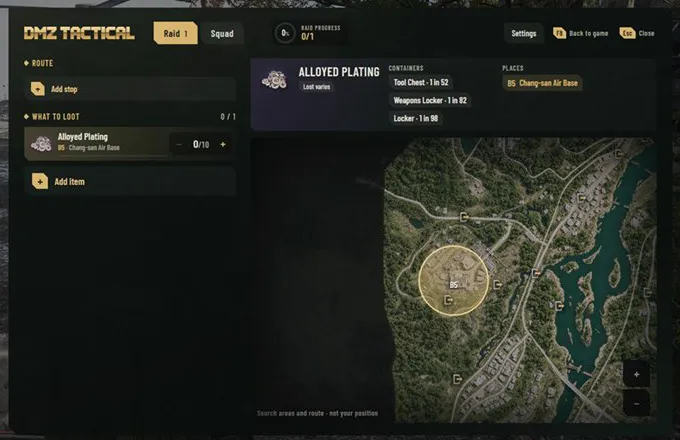
- Objectives, stops, keys and loadout in one raid plan
- DMZ Orders progress and a loot list that shows what you still need
- Press F8 in game to open your route, loot list and map above Call of Duty
- Search zones on a mini map. It does not show your position
- Works in Borderless or Windowed display mode
- Season 1 weapon tiers from Meta to D
- Long range and versatile builds with attachment unlock levels
- Operator Traits planner with points and trade-offs
- Install. Download DMZT.APP-Installer.exe and run it.
- Find. Search for a key, an item, a location or a grid square.
- Press F8. Set the game to Borderless or Windowed mode, then press F8 in a raid.
Already using the beta? Open Settings and choose Check for updates. If no update appears, download the installer above and run it. Your plans and settings stay.
Map not loading? Install Microsoft Edge WebView2 and start the app again.
- Windows 10 or 11, 64-bit, with administrator rights for the installation
- Microsoft Edge WebView2
- An internet connection for the download and updates
- Borderless or Windowed display mode for the F8 overlay

Follow progress on Discord.
Open Terminal in the folder with the installer and run:
Get-FileHash .\DMZT.APP-Installer.exe | Format-ListThe hash must match 6D0A129531BA438BEA5C0FA35DF7581FE8BBA9E37F44CFF5A9794617EA39C1B4.
SHA256SUMS.txt · VirusTotal report
The installer isn't code-signed yet, so Windows SmartScreen or some antivirus apps may warn about it. Updates are verified with a signed manifest and file hashes.
Is DMZ Tactical free? Yes. It's free to download and use. There are no ads and no paid features.
Is it safe to use with Call of Duty? DMZ Tactical runs as a separate Windows app. It doesn't read or modify game files or memory, and it doesn't send input to the game. The F8 overlay is a standard window shown on top of the game. Activision hasn't reviewed DMZ Tactical, so we can't say how its security systems treat other apps.
Which maps does it cover? Hajin and the X01 Exclusion Zone, with both X01 Black Site floor plans.
Does it work with PlayStation or Xbox? Yes, on a Windows PC next to your console. The F8 overlay needs the game on the same PC.
Does it read my inventory? No. You enter item counts yourself.
Is there a Mac version? Not yet. Mac is what we are working on now (roadmap 0.9.4), and 1.0 will support Windows and Mac.
Which languages are supported? English and Lithuanian. Map, item and location names stay as they appear in the game.
More answers on the website.
© 2026 DMZ Tactical. A fan-made companion app, not affiliated with, endorsed by, or sponsored by Activision Publishing, Inc. or Infinity Ward. Call of Duty® and related marks are trademarks of Activision Publishing, Inc. All game content and imagery belong to their respective owners. · Privacy policy · Licence terms