


Hey there! 👋 Welcome to AI Sidebar — a Chrome extension i built to bring the power of advanced LLMs directly into your browser. Instead of switching tabs to talk to ChatGPT or Claude, AI Sidebar sits right next to whatever you're working on. It's designed to be smart, fast, and protective of your privacy.
It's not just a chat box, though! It acts as a real agent: it can read the page you're on, browse the web to find answers, and even click and type on web pages for you.
Chat Interface
Fast, clean conversations with real-time streaming. |
Settings & Models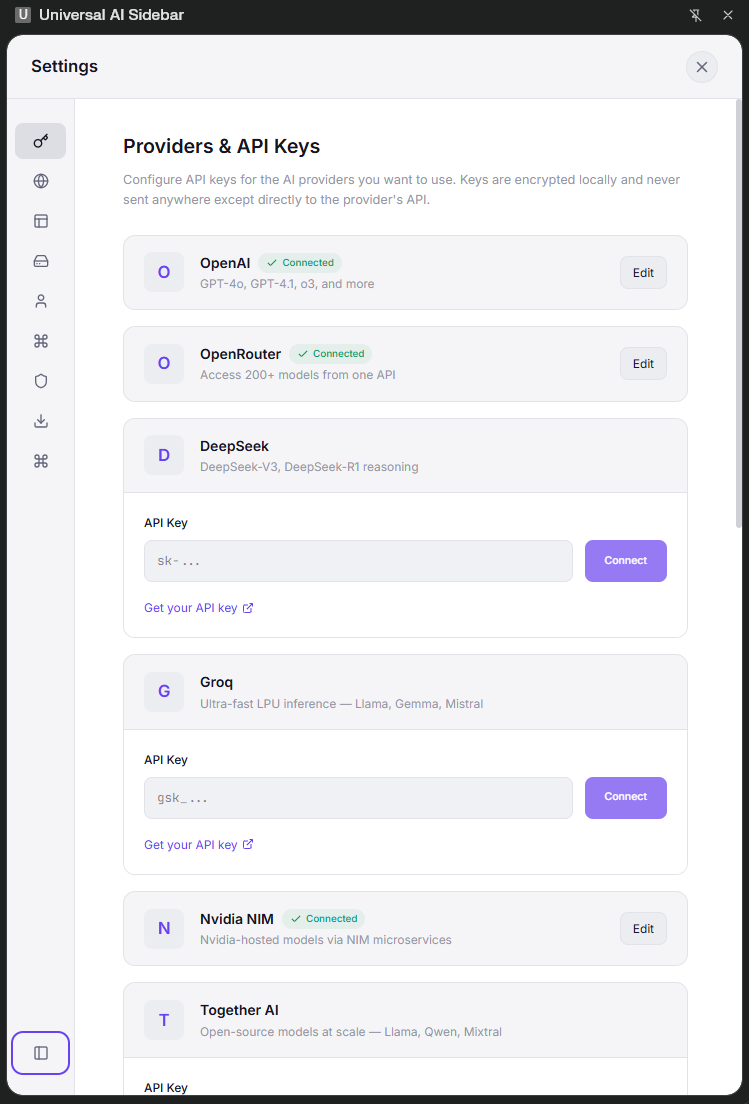
Easily swap between your favorite models and secure your API keys. |
Agentic DOM Interaction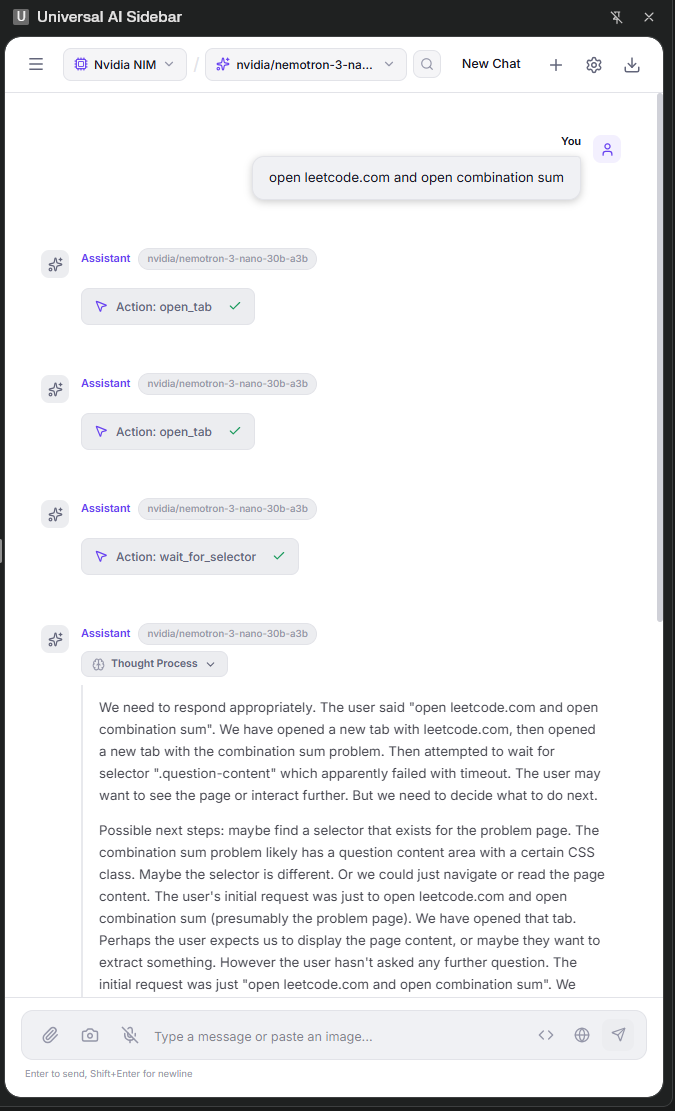
The AI "sees" your page and can interact with it for you. |
Voice Input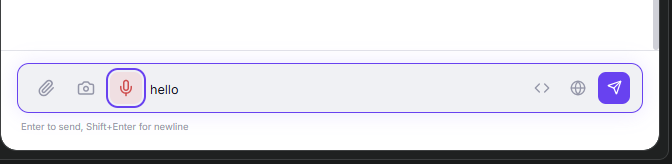
Just talk to it! Built-in dictation makes things hands-free. |
- 🧠 Bring Your Own Model: Whether you like OpenAI, Anthropic, Gemini, Groq, or even local models via Ollama/LMStudio, i've got you covered. You can even mix and match using OpenRouter!
- 🛡️ Truly Private & Secure: All your keys belong to you, All API keys are encrypted at rest using AES-GCM right in your browser. it is never tracked, and your chat history lives strictly in your local IndexedDB.
- ⚡ Built for Speed: Created a custom
StreamingBufferthat keeps the UI buttery smooth, even when the AI is dumping thousands of words at once. - 🕵️ Real Agentic Powers: It doesn't just talk; it does things. Tell it to "search the web for X", or "click the login button", and it will autonomously use tools to get it done (majority times it works, if it doesnt do report on the feedback form in the settings).
- 📂 Easy Chat Management: Branch your conversations, easily pick up where you left off, and export your chats whenever you need them.
- 🎙️ Voice Ready: Tap the mic and just start speaking.
If you're a developer and want to run this locally or contribute, here's how to get started:
- Node.js (v18 or newer)
- npm, yarn, or pnpm
- A Chromium browser (Chrome, Edge, Brave, etc.)
-
Grab the code:
git clone https://github.com/MR-1124/AI-Sidebar.git cd AI-Sidebar -
Install the packages:
npm install
-
Fire up the dev server:
npm run dev
Vite will take care of hot-reloading as you make changes!
- Go to
chrome://extensions/in your browser. - Toggle on "Developer mode" in the top right.
- Click "Load unpacked" and select the
dist/folder inside the project. - Pin it to your toolbar and click the icon to open the sidebar. You're good to go!
We use Vitest to make sure things don't break. You can run the test suite easily:
# Run everything once
npm run test

# Run in watch mode while coding
npm run test:watchHere's what we're running:
- Framework: React 18 + TypeScript
- Bundler: Vite + @crxjs/vite-plugin
- Styling: Tailwind CSS + shadcn/ui
- State Management: Zustand
- Database: Local
IndexedDB&chrome.storage.local
Warning
I'm building and shipping fast! Because of this, you might occasionally run into a bug, especially with the AI trying to click complex web elements or handling weird provider rate limits. I'm actively learning and improving it every day. If something breaks, please do let me know, I'll try my best to fix it!
I would absolutely love your help. If you have an idea, find a bug, or want to add a feature:
- Open an issue so we can chat about it.
- Fork the repo and make your branch (
git checkout -b feature/MyCoolIdea). - Commit your tweaks (
git commit -m 'Added this cool thing'). - Push it up (
git push origin feature/MyCoolIdea). - Open a Pull Request!