
Simple and practical bookmark manager.

Note
This project is now in maintenance mode. Development will focus primarily on bug fixes, minor improvements, and general maintenance going forward. Feature requests and issue reports are still welcome and can be submitted through the repository's issue tracker.
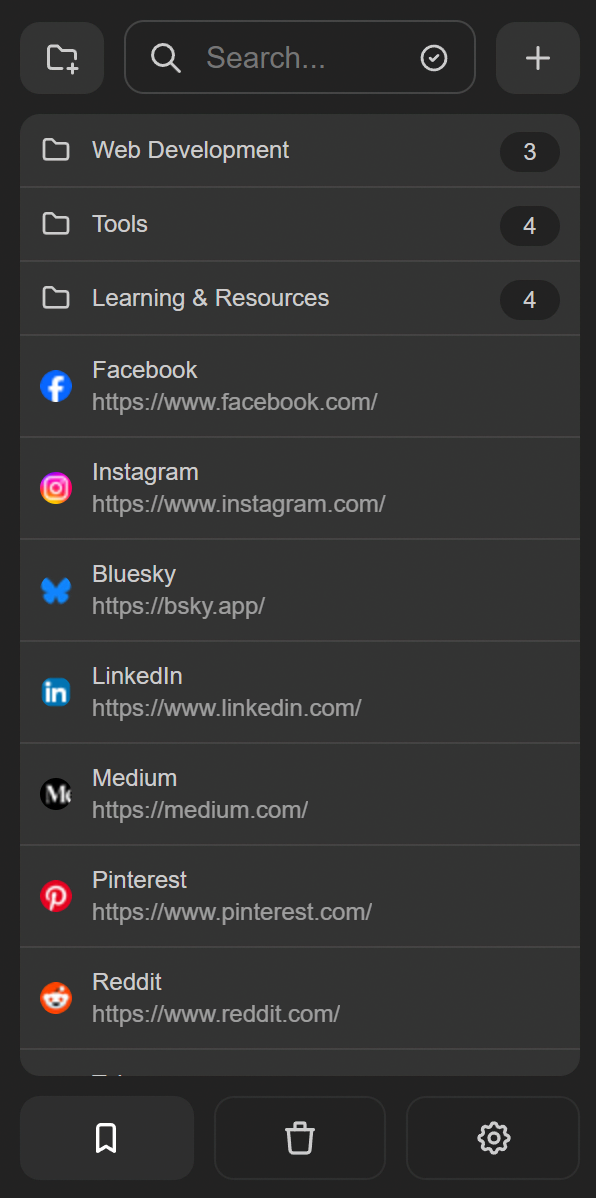
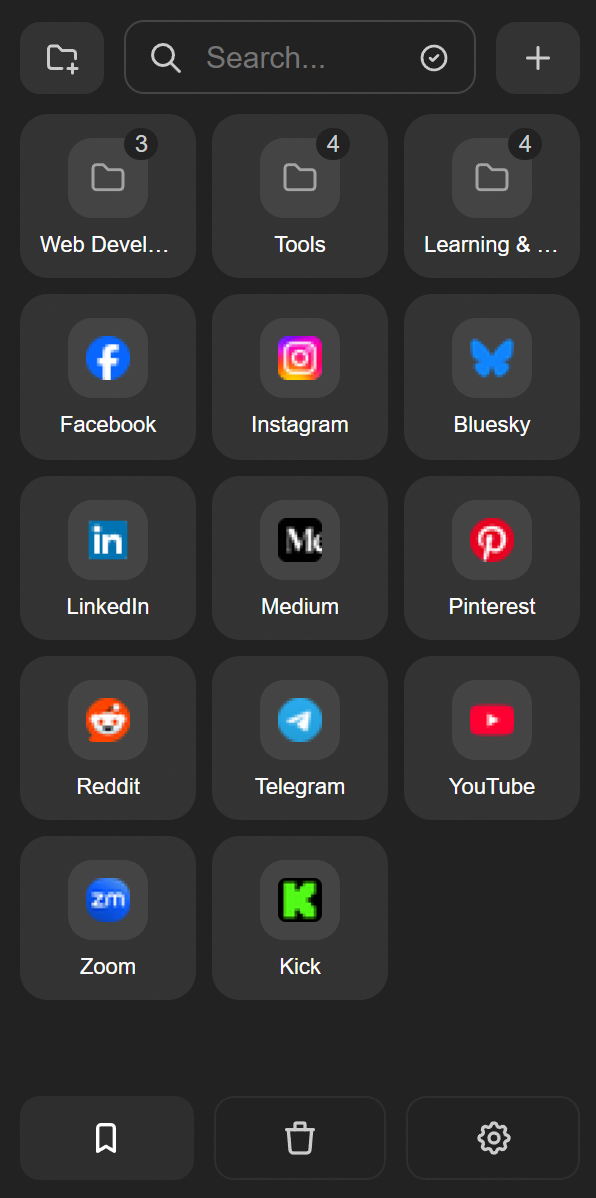
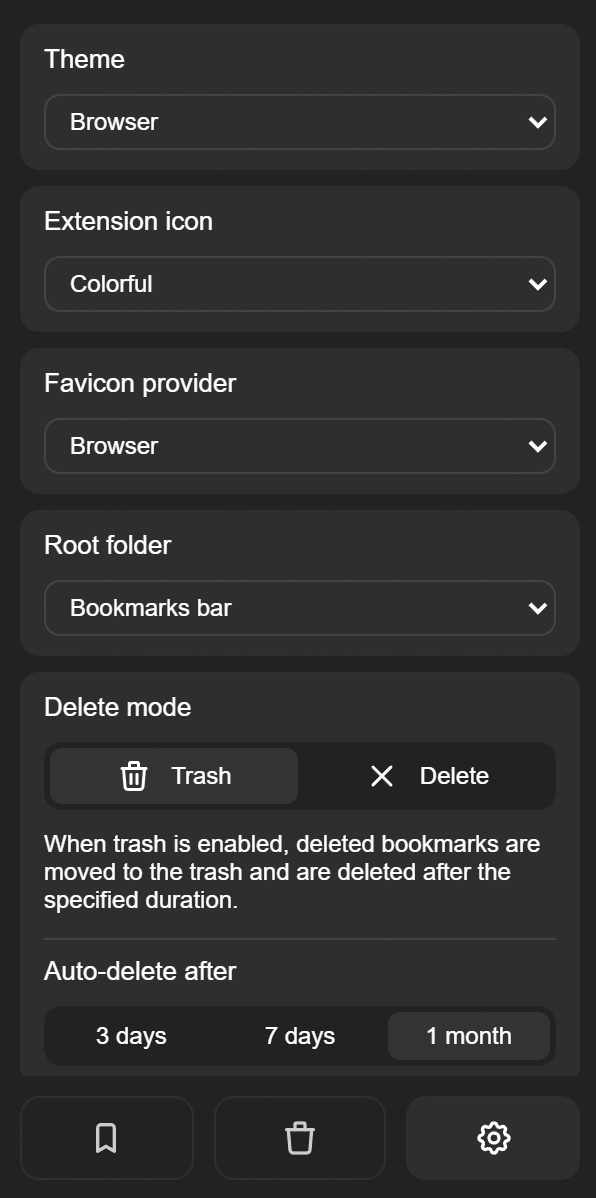
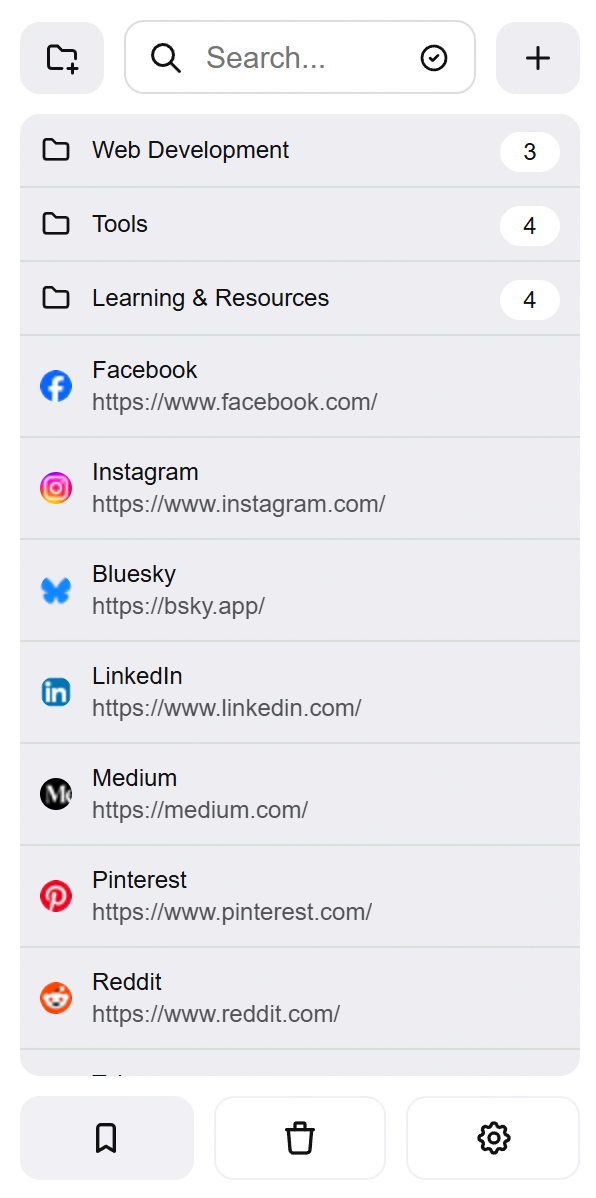
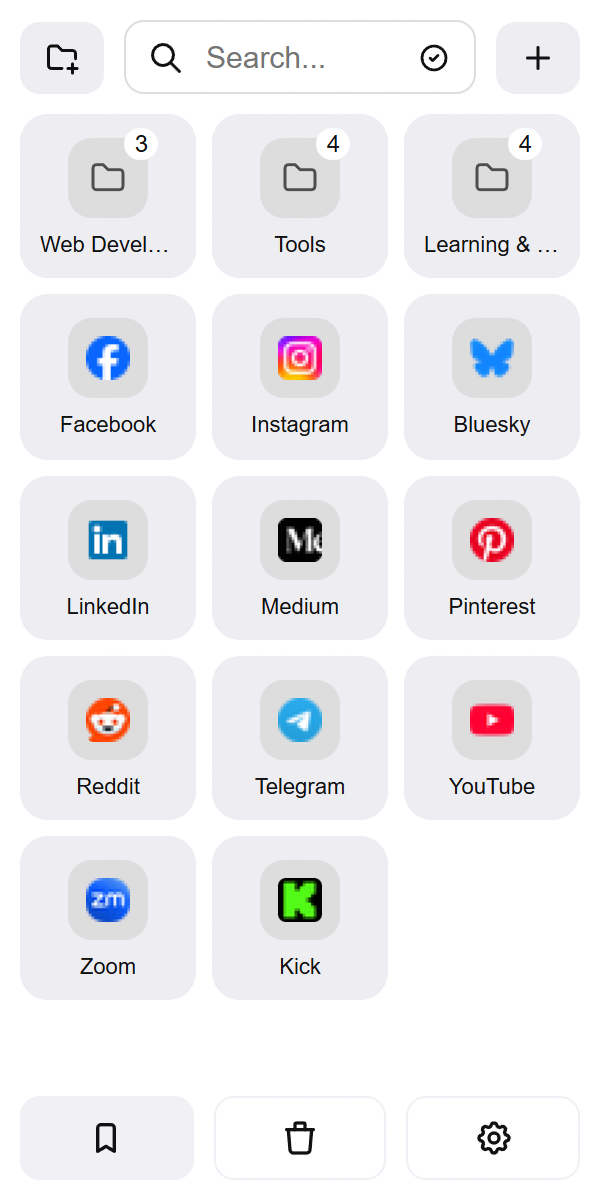
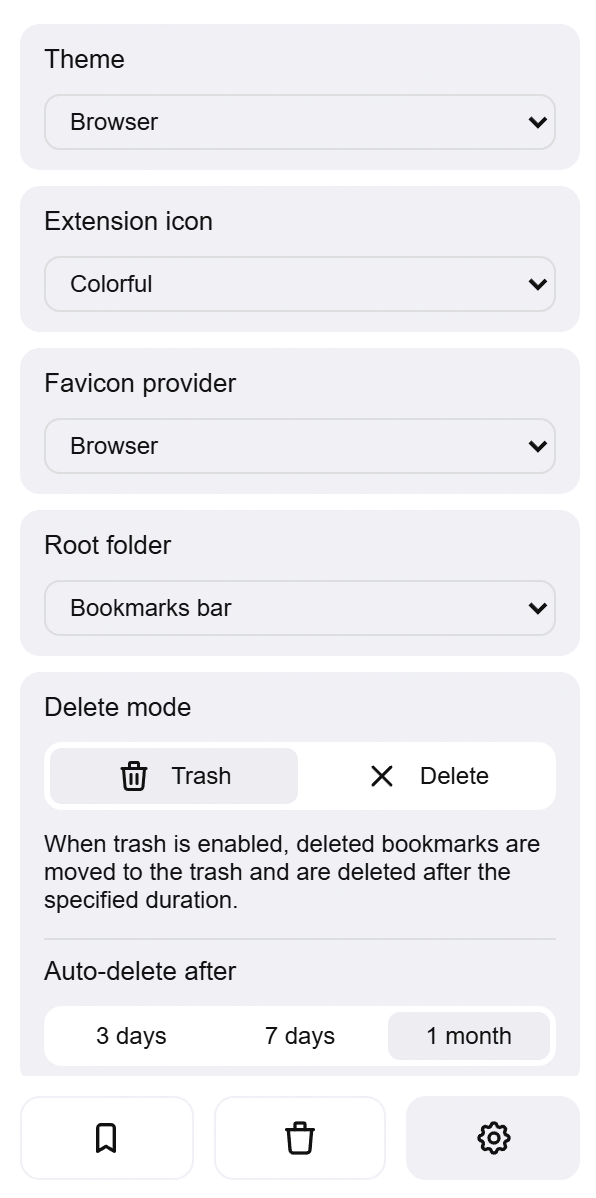
- List and grid layout
- Create: Folder and bookmark/current page
- Edit: URL and name
- Draggable sorting for folders and bookmarks
- Pin bookmarks and folders to keep them grouped at the top
- Dynamic search across all bookmarks or only within a folder, with keyboard navigation
- Settings search with quick filtering
- Theme support: light / dark / black / system, plus custom (fully adjustable colors)
- Custom extension icon (4 predefined styles: colorful / black / white / gray, or upload your own)
- Root folder selection (Bookmarks Bar / Other Bookmarks)
- Remember last visited folder
- New item position: add new bookmarks to the start or end of a folder
- Supports 17 languages
- Trash: deleted items are recoverable, with configurable auto-expiry
- Multi-select with bulk open, move, and delete
- Folder style: classic icon or favicon collage preview
- Folder badge: shows bookmark count on folder
- Grid view customization: column count, item width, and title visibility
- Customizable context menu with drag and drop reordering
- Import and export bookmarks and settings as JSON or Netscape HTML, with selectable scope
- Scroll-to-top button, with toggle to show/hide
- Toggle to show/hide quick actions
- Toggle to show/hide the scrollbar
- Breadcrumb navigation with up button and drag-to-move support
- Favicon provider selection (Browser / Google / DuckDuckGo)
- Ctrl + Drag to Move
- Quick scroll-to-top for the active tab with position restore
- Firefox Add-ons support
- Looking for another feature? Click here
- Account Sync (Chrome/Firefox)
| Key | Action |
|---|---|
| Up / Down / Left / Right | Navigate through the list |
| Enter | Open selected item or enter folder |
| Left / Tab | Go to parent folder |
| Left click | Open in current tab |
| Right click | Open context menu |
| Middle click | Open in new tab |
| Ctrl + click | Open in new tab or move the bookmark |
| Shift + click | Open in new window |
This program is free software: you can redistribute it and/or modify it under the terms of the GNU General Public License as published by the Free Software Foundation, either version 3 of the License, or (at your option) any later version.
This program is distributed in the hope that it will be useful, but WITHOUT ANY WARRANTY; without even the implied warranty of MERCHANTABILITY or FITNESS FOR A PARTICULAR PURPOSE. See the GNU GPL for more details.