




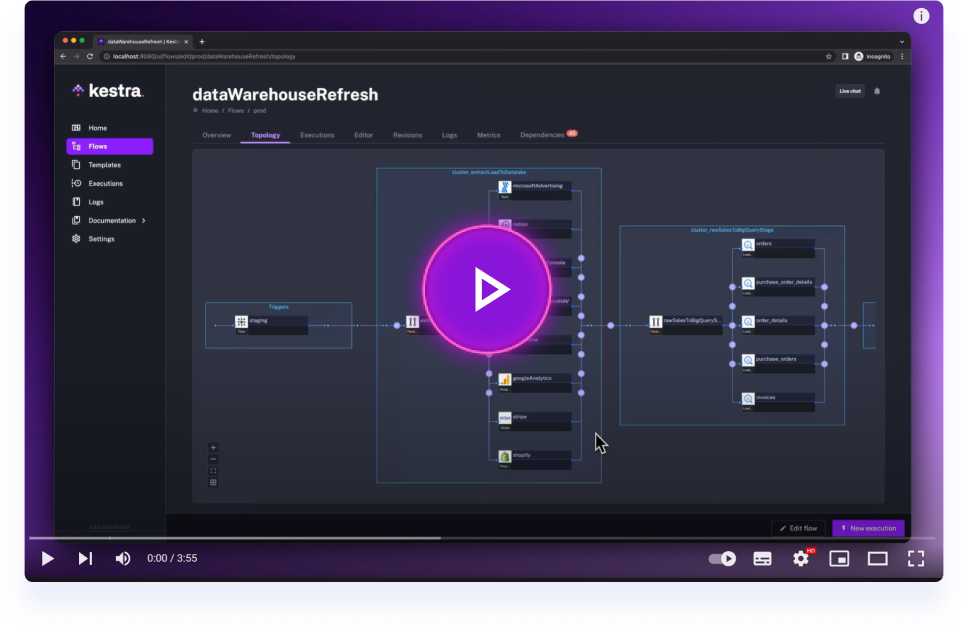
Get started with Kestra in 3 minutes.
- What user problem does this solve? Teams need a concrete starting point for building and validating new Kestra plugins without recreating the same project scaffolding from scratch.
- Why would a team adopt this plugin in a workflow? It gives plugin authors a ready-made reference repo they can adapt alongside their own build, test, and publishing workflow.
- What operational/business outcome does it enable? It shortens plugin delivery time, reduces setup mistakes, and makes internal or partner plugin development more repeatable.
- Provides plugin components under
io.kestra.plugin.coreweave. - Includes classes such as
Example,Trigger.
- Build the shadow JAR:
./gradlew shadowJar. The output lands inbuild/libs/. - Run
docker compose up.docker-compose.ymlbuildskestra/kestra:latestand mountsbuild/libs/to/app/plugins/, so Kestra picks up the jar on startup. - Kestra UI is available at localhost:8080.
Mounting a host folder onto /app/plugins/ replaces the container's plugins directory rather than adding to it. Core plugins (the ones logged as Registered N core plugins) are compiled into Kestra itself and aren't affected, but any additional plugin normally bundled in the base image under /app/plugins/ (e.g. the Python script plugin) gets hidden once the mount is in place. If a flow you're testing depends on another plugin, copy its jar into build/libs/ too before starting the container.
On some hosts, command: server local fails with:
Unable to create JFR repository directory using base location (/tmp)
docker-compose.yml works around this by mounting /tmp as tmpfs. If you build your own compose file or run Kestra via docker run, add the same workaround, e.g. -v /tmp:/tmp or --tmpfs /tmp:exec (a plain tmpfs is noexec, so tasks that run binaries or native libraries from /tmp fail). Tracked upstream in kestra-io/kestra#17405.
- Full documentation can be found under: kestra.io/docs
- Documentation for developing a plugin is included in the Plugin Developer Guide
Apache 2.0 © Kestra Technologies
We release new versions every month. Give the main repository a star to stay up to date with the latest releases and get notified about future updates.