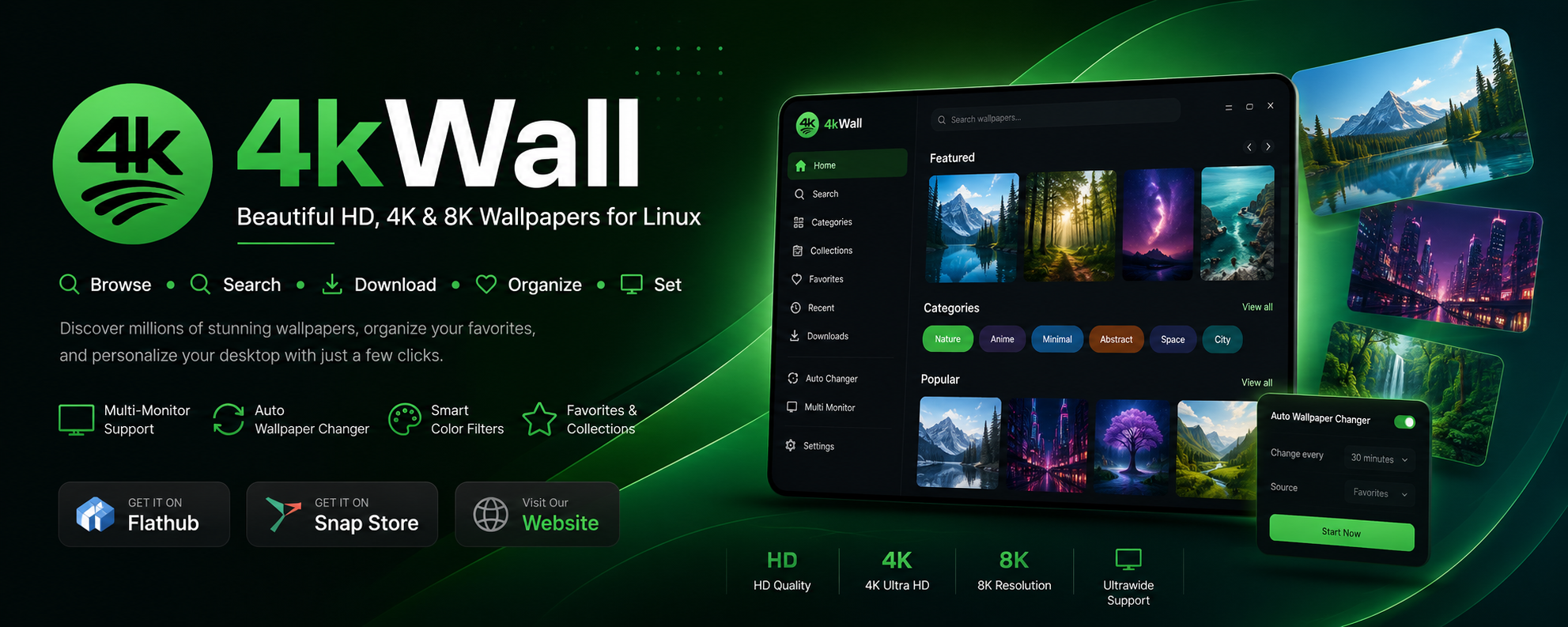
4KWALL is a desktop wallpaper app for Linux and Windows. Browse and search millions of HD, 4K and 8K wallpapers, set them with one click, rotate them automatically on a timer, and run a different wallpaper on every monitor — all from a native app instead of a browser full of download traps.





- Download and install
- Features
- What you can do
- Screenshots
- Desktop environment support
- System requirements
- FAQ
- How 4KWALL compares
- More apps





sudo snap install 4kwallflatpak install flathub com.warlordsoftwares.wallpaper-app-4kwallwget https://github.com/rishabh3354/4KWALL/releases/latest/download/4kWall-x86_64.AppImage
chmod +x 4kWall-x86_64.AppImage
./4kWall-x86_64.AppImagewinget install WarlordSoftwares.4kwallOr get it from the Microsoft Store, or download 4kWall.exe from the latest release.
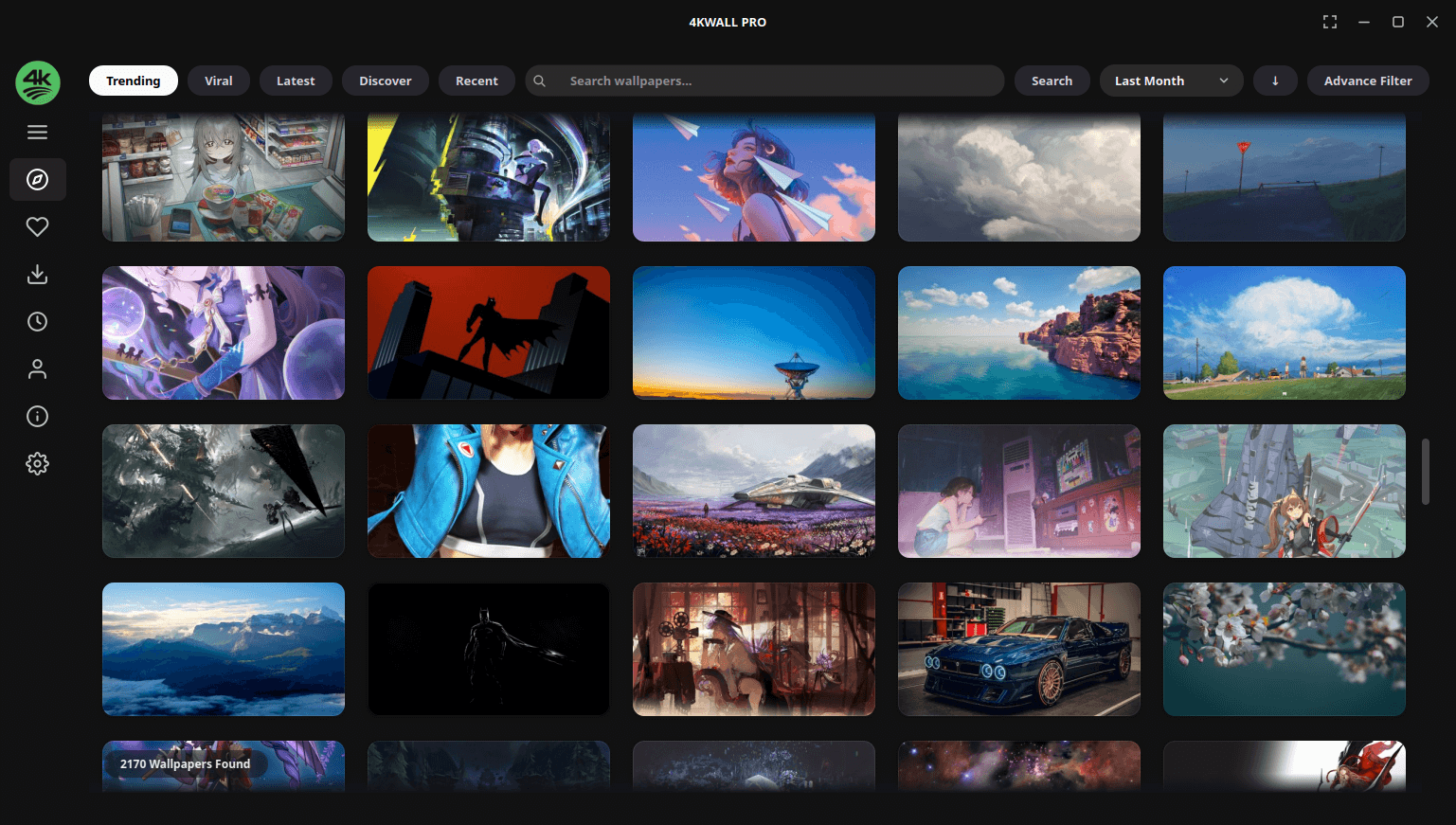
- Millions of wallpapers, searchable — browse a huge curated library of HD, 4K and 8K images without leaving the app.
- Full-resolution downloads — get the original file, not a resized thumbnail.
- One-click set as wallpaper — apply any image to your desktop instantly.
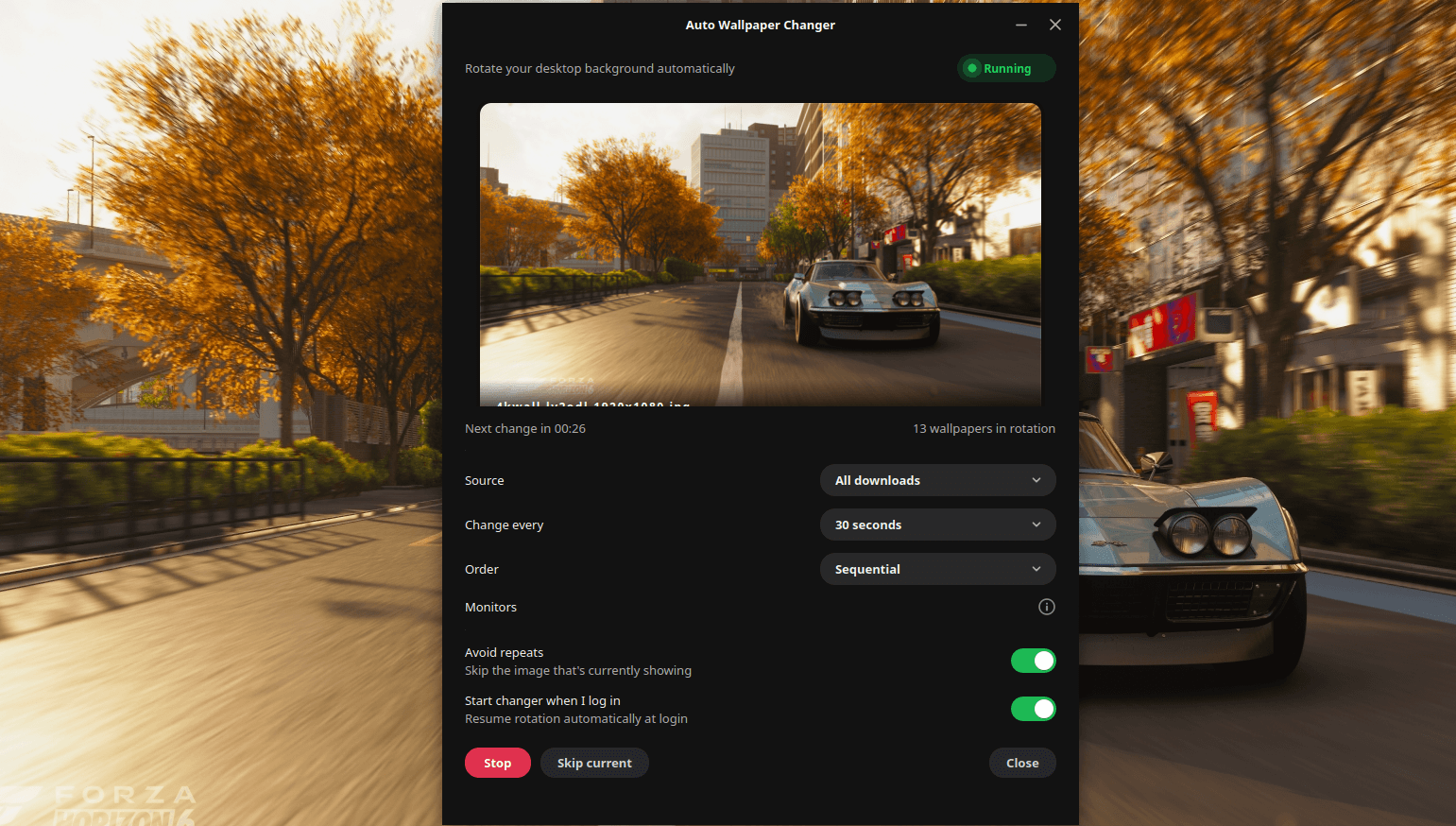
- Auto wallpaper changer — rotate wallpapers on a timer (every hour, every day, or your own interval), starting automatically at login.
- Different wallpaper per monitor — give each display in a multi-monitor setup its own image.
- Smart search and colour filters — filter by keyword, category, resolution, aspect ratio and dominant colour.
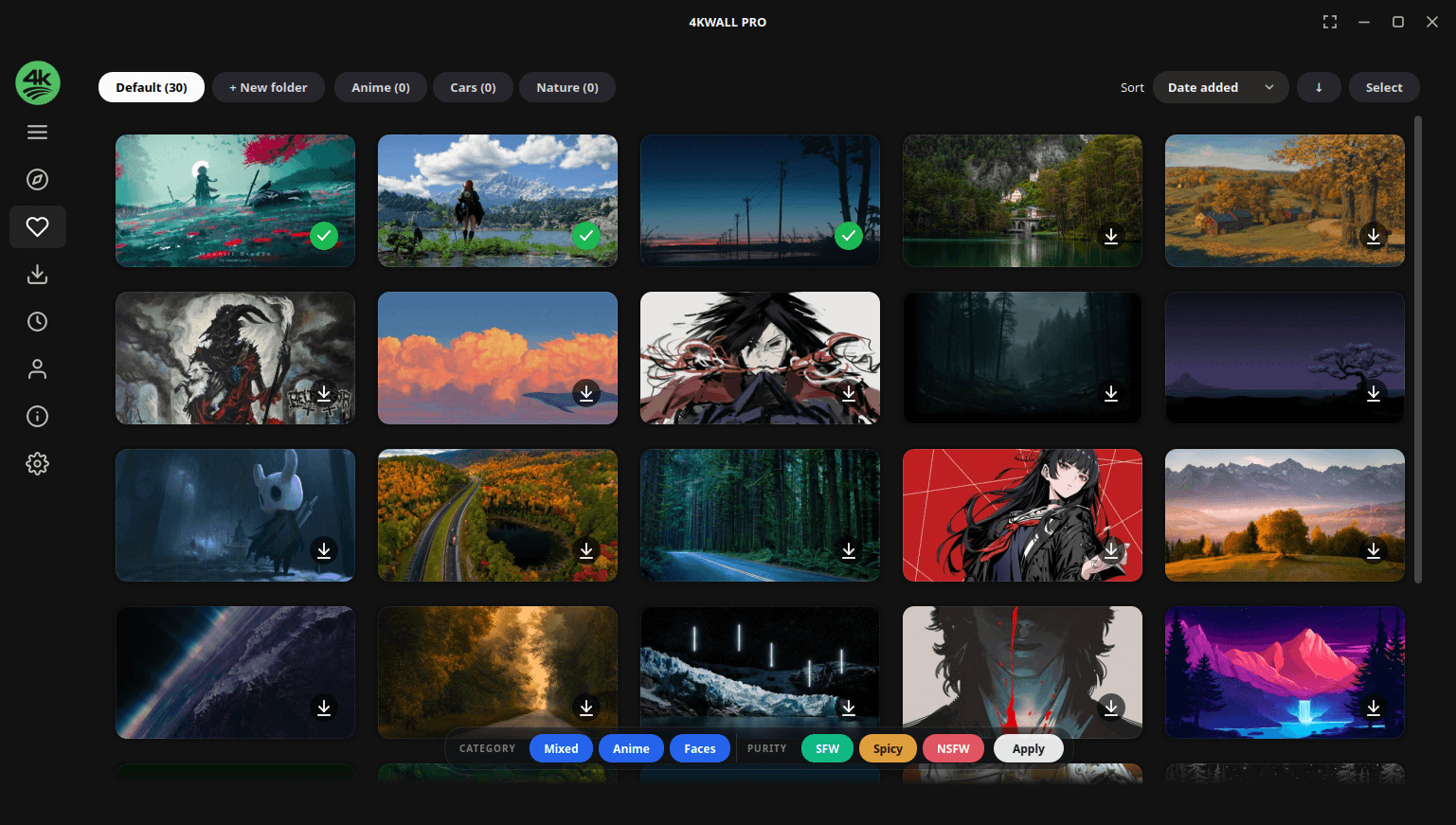
- Favourite collections — save and organise wallpapers into your own collections.
- Ultrawide and high-DPI ready — built for 21:9, 32:9, 1440p, 4K and 8K displays.
- System tray integration — change wallpapers without breaking your workflow.
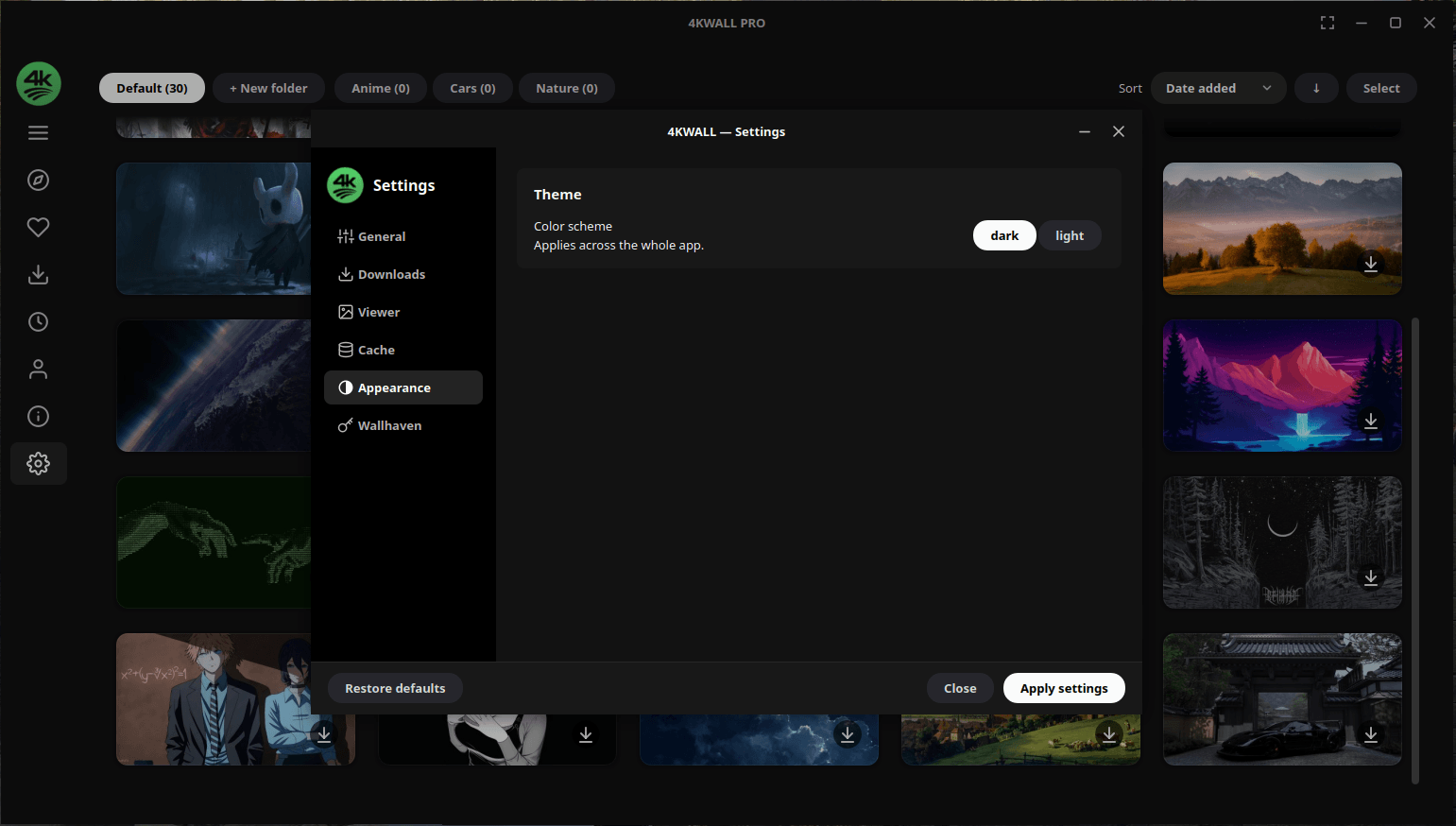
- Modern dark interface — clean and distraction-free, with a light theme too.
- No ads, no trackers.
| Task | How 4KWALL handles it |
|---|---|
| Find a 4K wallpaper | Filter the library by resolution and aspect ratio |
| Change wallpaper automatically | Set a rotation interval and a source collection |
| Set a different wallpaper per monitor | Assign images per display in a multi-monitor setup |
| Find wallpapers by colour | Filter by dominant colour to match your theme |
| Build a wallpaper collection | Favourite images and group them into collections |
| Get an ultrawide wallpaper | Filter by 21:9 or 32:9 aspect ratio |
| Match your desktop theme | Search by category — nature, minimal, abstract, anime, gaming, space, cars |
| Download wallpapers in bulk | Queue a collection and save it locally |
| Explore | Favourites |
|---|---|
 |
 |
| Auto wallpaper rotation | Settings |
|---|---|
 |
 |
4KWALL sets wallpapers on the major Linux desktops — GNOME, KDE Plasma, XFCE, Cinnamon, MATE, Budgie and LXQt — as well as Windows 10 and 11.
| Minimum | |
|---|---|
| Linux | Ubuntu 20.04+, Debian 11+, Fedora 36+, Arch, or any distro that runs Flatpak / Snap / AppImage |
| Windows | Windows 10 or Windows 11, 64-bit |
| Architecture | x86_64 |
| RAM | 4 GB |
| Network | Required for browsing and downloading wallpapers |
4KWALL is free to download and use. A one-time Pro upgrade unlocks the full feature set — there is no subscription. See plans and pricing.
Yes. It sets wallpapers on GNOME, KDE Plasma, XFCE, Cinnamon, MATE, Budgie and LXQt, plus Windows 10 and 11.
Yes. Pick a collection and an interval and 4KWALL rotates your wallpaper on schedule, resuming automatically after you log in.
Yes — you can set a different wallpaper on each connected display, including mixed-resolution and ultrawide setups.
Yes. Downloads are the original full-resolution files, up to 8K.
Yes. Filter by 21:9 or 32:9 aspect ratio to find wallpapers that fit without stretching or cropping.
Partly. Wallpaper Engine specialises in animated and interactive wallpapers; 4KWALL focuses on high-resolution still wallpapers with search, collections, auto-rotation and multi-monitor support — and it runs natively on Linux.
No. 4KWALL is a proprietary desktop application. This repository hosts the releases, packaging metadata, issue tracker and documentation rather than the application source.
- Wallpaper sites in a browser (Wallhaven, Unsplash, Pexels) — great libraries, but you are stuck downloading, saving and setting each image by hand. 4KWALL does all three in one click and adds rotation.
- Variety (Linux) — free and scriptable, but dated and awkward to browse. 4KWALL gives you a modern searchable gallery with colour filters and per-monitor control.
- Bing Wallpaper / Windows Spotlight — one image a day, no choice. 4KWALL lets you pick the source and the schedule.
- Wallpaper Engine — the leader for animated wallpapers, Windows-only and Steam-bound. 4KWALL is the still-image counterpart that also runs on Linux.
Other apps by Warlord Softwares are listed on warlordsoftwares.com.
- 📄 Download page: rishabh3354.github.io/4KWALL
- 🌐 Website: warlordsoftwares.com
- 📦 Flathub: com.warlordsoftwares.wallpaper-app-4kwall
- 📦 Snap Store: snapcraft.io/4kwall
- 🪟 Microsoft Store: apps.microsoft.com/detail/9N305D02HC8C
- 🐞 Issues: github.com/rishabh3354/4KWALL/issues
- 🔒 Privacy policy: privacy.html
4KWALL is proprietary software. © 2024–2026 Rishabh Bhardwaj / Warlord Softwares. See LICENSE.