







SeaImagine is an online AI image and video creation platform for creators, designers and small teams. Start with a written idea, a product photo or a character reference, then explore different ways to turn it into visual work—from a campaign image to a short story or a social video.
Our GitHub organization is a place for people who want to go further: understand how things work, adapt an approach to their own needs and contribute improvements. It brings our public projects together so creators and developers can find useful starting points, learn from the work behind them and take part in their development. Our focus is AI creation and practical applications, and we welcome reusable contributions in the form of tools, workflows, tutorials, reference material or code.
We believe useful work becomes more valuable when others can understand it, use it and improve it. Our open-source approach is about making the decisions behind a project accessible, alongside the material needed to try it.
- Make it easier to start. Explain what a project does, who it helps and how to take the first step.
- Share work that can be adapted. Give readers enough context to reuse an idea and understand its limits, rather than leaving them with a result alone.
- Improve through collaboration. Welcome questions, corrections and contributions to documentation, examples, design and code.
These principles guide how we present and maintain projects across this organization. Each repository describes its own scope, setup or usage instructions, sources and license.
Choose a project by what you want to learn or accomplish. Each introduction below explains what you will find and who it is useful for; open the repository for its documentation and contribution guidance. Browse all repositories to see the latest additions and updates.
For creators exploring AI video, these collections bring together illustrated scenes, reusable prompts and source-linked examples. Cover images lead to the full projects; they are illustrations, not generated-video results. Prompt languages and translated material vary by repository.
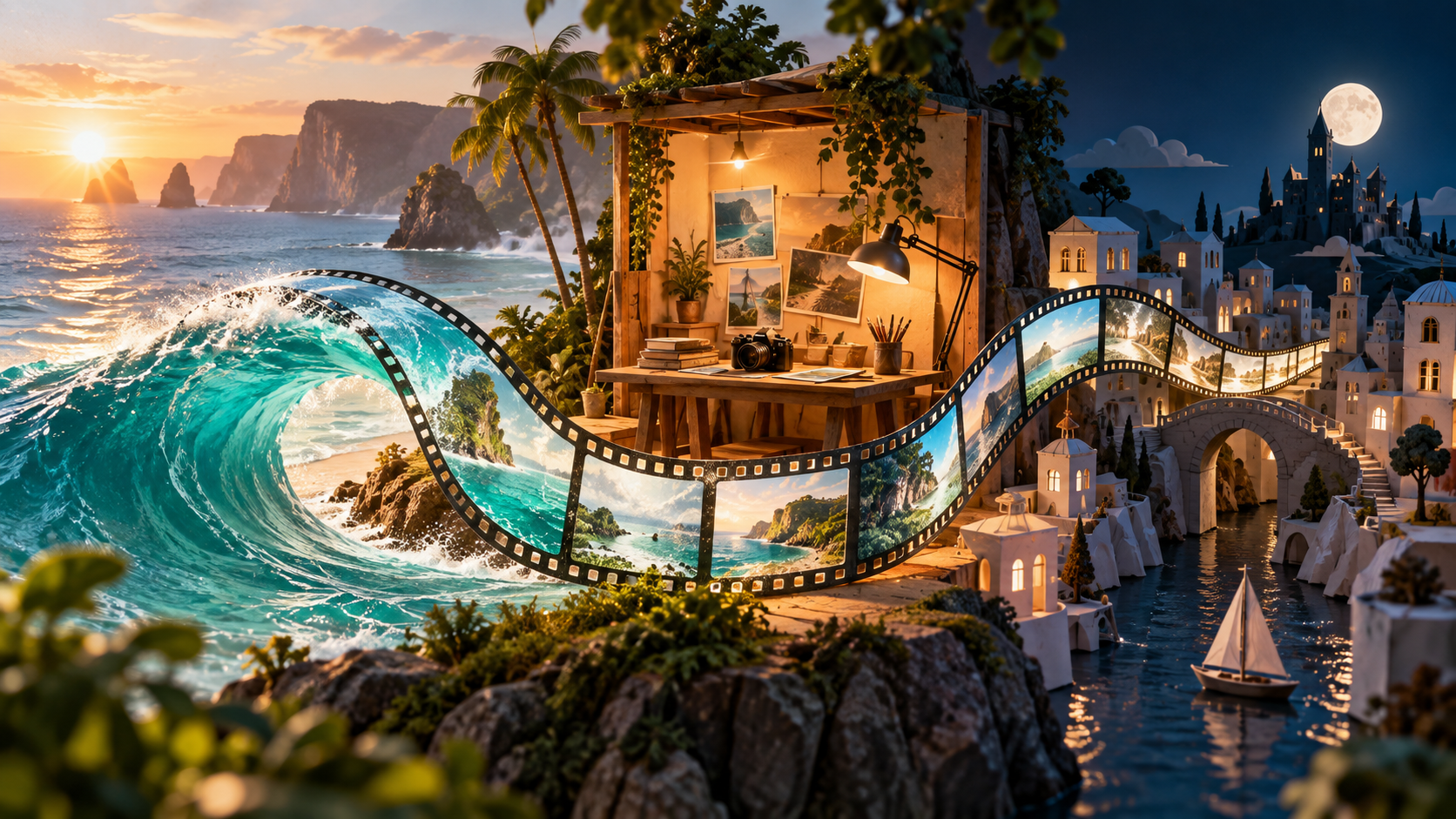
A good starting point when you want to move between storytelling, product films and more deliberate video editing. Browse categories such as cinema, commerce, documentary scenes, animation, camera control and miniature worlds, then open an example that matches your idea.
The library combines reference first frames, complete prompts and attributed official or community studies. Read how a shot develops over time, what should remain consistent and how sound supports the action. In “Amber perfume / mechanical eclipse,” a bottle stays fixed while a copper ring and citrus slice change the light around it—a concrete exercise in separating product stability from background motion.
Useful for: Creators planning narrative scenes, product shorts or editing experiments who want to study a shot in detail.


Explore scene-based prompts for product showcases, social videos, character interactions and imaginative environments. The topic index helps you move from a broad idea to an illustrated case, while downloadable text makes it convenient to copy a prompt into your own working notes.
The examples pay attention to movement as well as appearance: the path of a camera, the pace of an action, continuity across a shot and the sounds that belong in the scene. For a precise product study, try the sea-glass bottle case. For a different challenge, “The Last Tooth” explores a clockmaker duet: follow the two characters’ dialogue and spatial relationship within one scene.
Useful for: Social creators and designers looking for reusable product, character and camera-movement examples.

Use this collection when you want to learn from video examples and turn an idea into a sequence of clear directing instructions. Community clips, source links and shot-by-shot prompts offer entry points for advertising, cinematic scenes and short stories built around a reference image.
Read an example alongside its prompt and ask what each part contributes: the opening composition, the main action, camera placement and the final frame. Begin with a short prop handover to study one action, or open the travel diary and stage-reveal examples to examine how several shots form a sequence. The repository also includes official examples and illustrated guidance to help connect what you watch with what you write.
Useful for: Creators who prefer to learn by watching references and breaking advertising or story ideas into individual shots.

| Create on SeaImagine | Useful for |
|---|---|
| Text to video | Start without a reference image. Describe the subject, setting, action and camera movement for a short scene or story idea. |
| Image to video | Start with an existing composition, such as a product photo or character image. Describe what should move and what should stay consistent. |
| Image creation | Explore a visual direction for a story, product or campaign, or prepare a reference image before planning a video. |
| Photo editing | Refine an existing picture for your next idea. Choose the available editing workflow and explain the changes you want to make. |
- Explore a project. Choose a resource that matches your goal, read its documentation and check its requirements. Start with a small example before adapting it to a larger task.
- Create on SeaImagine. If you want to make an image or video, use the website’s creative tools. Select a workflow for your text or reference material and check its available settings and usage cost.
- Help improve the work. Share a reproducible issue, suggest clearer documentation or contribute a change to the relevant repository. Explain what you tried and what your contribution helps someone do.
Creators, developers, designers and curious beginners are welcome. A useful contribution might be a clearer explanation, a translation, a corrected source, a reproducible example or a code improvement. Start with the repository closest to your interest and read its contribution guidance.
Use an issue to ask a question, report a problem or discuss an idea. For a proposed file change, open a pull request with a short explanation and any relevant checks. Include sources for outside material, and follow the project’s license and usage requirements.
Gemini Omni · Grok Imagine 1.5 · Seedance 2.5
Create, learn and build together with SeaImagine.