
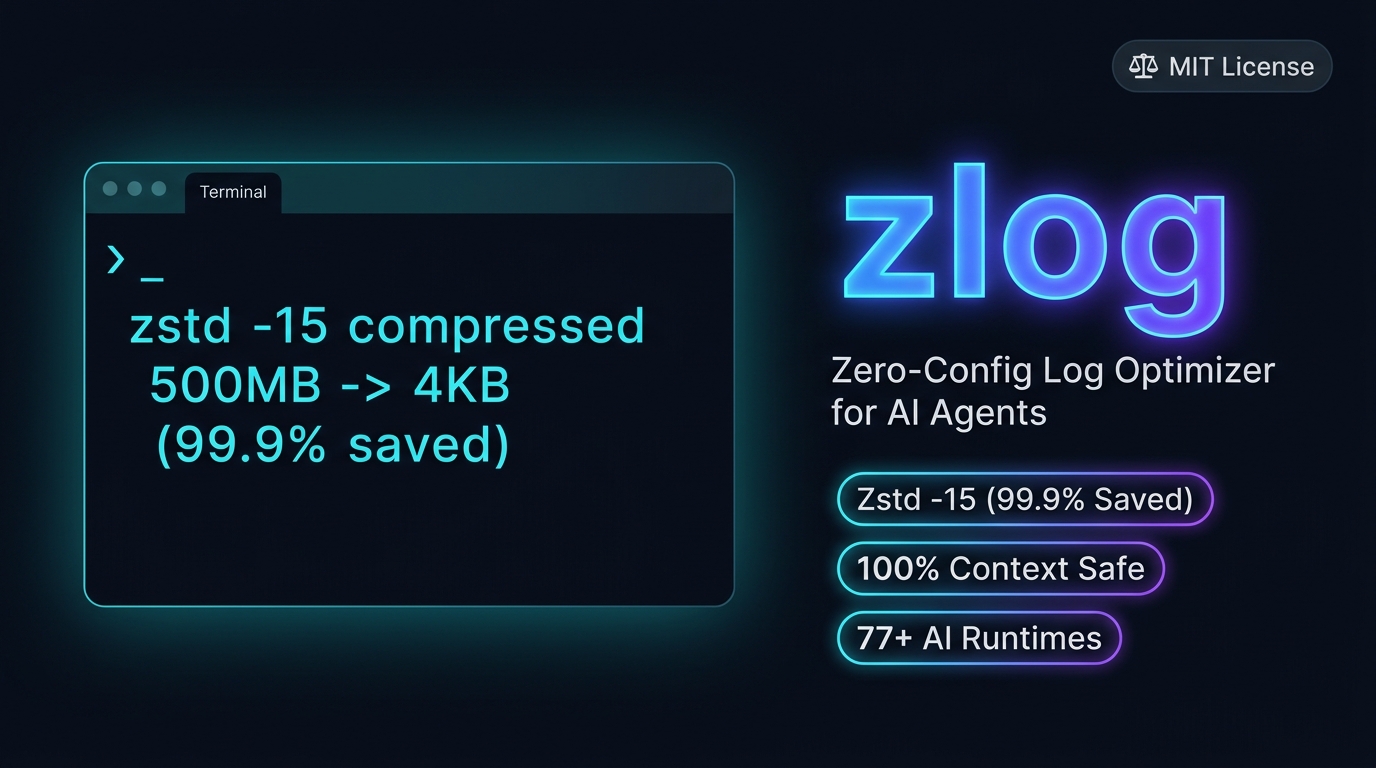






The universal zero-config log compressor for AI agent developers. Compresses session logs across Claude Code, Cursor, Gemini CLI, Ollama, Windsurf, Codex, Aider & LM Studio while excluding conversation transcripts, configs, and live databases by filter (best-effort protection — see
references/safety.md). Run the Dry-Run preview for your own savings numbers.
npx skills add sebin-gg/zlogcurl -fsSL https://raw.githubusercontent.com/sebin-gg/zlog/main/install.sh | bash
# Skill installed to ~/.agents/skills/zlog/SKILL.md — trigger in chat with: 'zlog', 'compress logs', or 'clean chat logs'.What gets installed?
install.shcopies the whole skill (SKILL.md,scripts/,references/) to~/.agents/skills/zlog/(plus~/.claude/skills//~/.gemini/skills/if those homes exist) so your AI agent can invokezlogvia chat. For terminal-only use with no install, run the bundled scripts directly (see Usage).
- High-Ratio Compression: Tries
zstd -15, falls back toxz -9/gzip. Reports per-run savings with a single summary line. - 0-Byte Log Purging: Cleans dead empty files automatically.
- Process Lock Safe (best-effort): Checks kernel locks via
fuser -s(Linux/WSL) orlsof(macOS), and[System.IO.File]::Open(Windows). If neitherfusernorlsofis available (minimal containers), safety falls back to a 60s age buffer — see FAQ. - Memory Context Intact: Transcripts, configs, and live databases are excluded by filter (see
references/safety.mddata classes). - Single-Line Output: Condenses multi-folder scan results into one clean line (
253M total). - Cross-Platform Scripts: POSIX (
scripts/zlog.sh) and Windows 11 PowerShell (scripts/zlog.ps1) implementations with the same candidate rules and savings reporting. Linux, WSL, macOS, and Windows 11 are all tested (CI runs POSIX fixtures on Ubuntu and macOS, PowerShell fixtures on Windows; the full POSIX + installer suites also pass on Debian WSL). - Junk-Pruned Hybrid Deep Scan: Never descends into
Caches/node_modules/GPU-cache junk or.git; capped at depth 12 — fast, future-proof, bounded. Compressed artifacts are verified before counting.
Savings depend on log content (repetitive text compresses best). Run the Dry-Run preview for your own numbers — the skill reports per-run raw → compressed totals.
graph TD
    A["Wrap-up Prompt / Trigger"] --> B{"Scan AI Agent Paths"}
    B --> C["~/.claude, ~/.config/Cursor, ~/.gemini, ~/.ollama, ~/.aider etc."]
    C --> D{"Process Lock Check"}
    D -- "fuser / lsof / System.IO detects active PID" --> E["Skip File - In-Flight Safety"]
    D -- "No active process lock (or tools unavailable → age check)" --> F{"File & Window Filters"}
    F -- "*.jsonl / SKILL.md / README* / <10KB / <60s old" --> G["Skip File - Protected"]
    F -- "*.log / *.out / *.trace" --> H["zstd -15 / xz -9 / gzip -f (+ verify)"]
    H --> I["Report Savings + Total (e.g. Compressed 15 files: 34M -> 8M)"]
| # | AI Agent / IDE | Default Log Directory | OS Parity |
|---|---|---|---|
| 1 | Claude Code | ~/.claude/ |
Linux, Windows 11 |
| 2 | Claude Code Config | ~/.config/claude-code/ |
Linux, Windows 11 |
| 3 | Cursor IDE | ~/.config/Cursor/ |
Linux, Windows 11 |
| 4 | Cursor (Legacy) | ~/.cursor/ |
Linux, Windows 11 |
| 5 | Gemini CLI | ~/.gemini/ |
Linux, Windows 11 |
| 6 | Gemini Antigravity | ~/.gemini/antigravity/ (+ antigravity-cli/logs/) |
Linux, Windows 11 |
| 7 | Ollama | ~/.ollama/ |
Linux, Windows 11 |
| 8 | Windsurf | ~/.windsurf/ |
Linux, Windows 11 |
| 9 | Codex CLI | ~/.codex/ |
Linux, Windows 11 |
| 10 | LM Studio | ~/.cache/lm-studio/ (older) + ~/.lmstudio/ (current) |
Linux, Windows 11 |
| 11 | Aider | ~/.aider/ |
Linux, Windows 11 |
Note on Antigravity: Antigravity stores logs under
~/.gemini/antigravity/(and~/.gemini/antigravity-cli/logs/) — a Gemini CLI sub-component, not a standalone top-level agent. Both are covered automatically when scanning~/.gemini/.
POSIX scans never follow symlinks (
find -Pdefault): symlinked dirs are not descended into and symlinked files are skipped, so scans stay inside the listed roots.
The implementation lives in scripts/zlog.sh — the skill runs it, and preview and cleanup share one candidate engine, so the preview never disagrees with cleanup:
bash scripts/zlog.sh preview               # read-only preview, changes nothing
bash scripts/zlog.sh clean                 # compress eligible logs
bash scripts/zlog.sh clean --older-than 7  # retention policy (days)
bash scripts/zlog.sh deep-preview          # read-only deep scan
bash scripts/zlog.sh deep                  # deep clean (explicit intent only)
bash scripts/zlog.sh restore file.log.zst  # restore an archive (archive kept)
*.txtis intentionally excluded by default to avoid compressing config/docs/data files. Seereferences/safety.mdfor the full data-class policy.
The implementation lives in scripts/zlog.ps1 (verified on stock PS 5.1):
.\scripts\zlog.ps1 preview
.\scripts\zlog.ps1 clean
.\scripts\zlog.ps1 clean -OlderThanDays 7
.\scripts\zlog.ps1 deep-preview
.\scripts\zlog.ps1 deep
.\scripts\zlog.ps1 restore .\session.log.tar.gz
Note: the Windows PowerShell scan recurses unpruned (PowerShell has no
-prune) but applies the same junk-dir path-segment filter as the POSIX prune list; the find-based scans skip those dirs wholesale. It purges 0-byte logs first, then reports the same single-line summary. PowerShell path verified on Windows 11 (PS 5.1); POSIX paths are Linux-tested.
# Record your own demo with asciinema (recommended)
asciinema rec zlog-demo.cast
# ... run: zlog / curl install / npx skills add ...
# Ctrl+D to stop
asciinema upload zlog-demo.cast[zlog] Compressed 1 file: 20.0K -> 12.7K (saved 7.3K, 36% smaller)
1.2G total
The output is a single summary line: file count, raw → compressed, savings percentage, and total directory size.
- Install asciinema:
pipx install asciinema/brew install asciinema/choco install asciinema - Record:
asciinema rec zlog-demo.cast - Run zlog: trigger via your agent or run the one-liner
- Upload:
asciinema upload zlog-demo.cast - Embed: Paste the URL in issues, discussions, or social posts
- Linux: Bash/Zsh snippets tested.
- macOS: full POSIX + installer suites pass on
macos-latestCI (BSDstat -f/lsofpaths exercised). The installed skill is also verified end-to-end on a real macOS runner —macos-skill-e2einstalls into a throwawayHOME, then previews, prunes, and re-previews (macOS 26.6.2, arm64: 6216 KB → 12 KB reclaimed). - WSL: full POSIX + installer suites pass on Debian WSL2 (xz/gzip plus zstd 1.5.7; no
fuser/lsofon that box, so lock checks fall back to the 60s age buffer — also covered). - Windows 11: PowerShell snippet verified on stock PS 5.1 (sandbox: compress/skip/purge/lock/junk/space-in-path).
-
Does
zlogbreak chat history?
No.transcript.jsonlfiles are strictly excluded by filter. -
What if an AI agent is actively writing to a log file?
Kernel lock checks (fuser -s/lsof/System.IO.File) & 60s age buffer (-mmin +1) skip active files. The PowerShell lock check is verified on Windows 11; POSIX lock checks requirefuser(Linux/WSL) orlsof(macOS) — without either only the age buffer protects. -
How do I read or search compressed
.zst/.gzlogs?- Read:
zstdcat file.log.zstorzcat file.log.gz - Read Windows
.tar.gz:tar -xzf file.log.tar.gz - Search:
zstdgrep "error" file.log.zstorzgrep "error" file.log.gz
- Read:
-
Is
zlogsafe to run during multi-agent sessions?
Best-effort only: lock checks + age filters skip files that are in use, but races remain possible. Prefer idle periods. -
Why doesn’t
zlogtouch Codexlogs_2.sqlite?
SQLite/WAL stores (e.g.~/.codex/sqlite/logs_2.sqlite, observed at 32MB) are live databases — compressing them while open risks corruption. Intentionally out of scope; manage them via the app. -
How does the deep scan stay bounded?
Hybrid pruning + depth cap: junk/cache dirs (node_modules,Caches,Code Cache,blob_storage,GPUCache,.git, …) are pruned wholesale, while-maxdepth 12bounds the walk. The pruned-dir count is reported.
If zlog saved space on your drive, consider giving it a ⭐ Star on GitHub!
MIT © 2026 Sebin Mathew